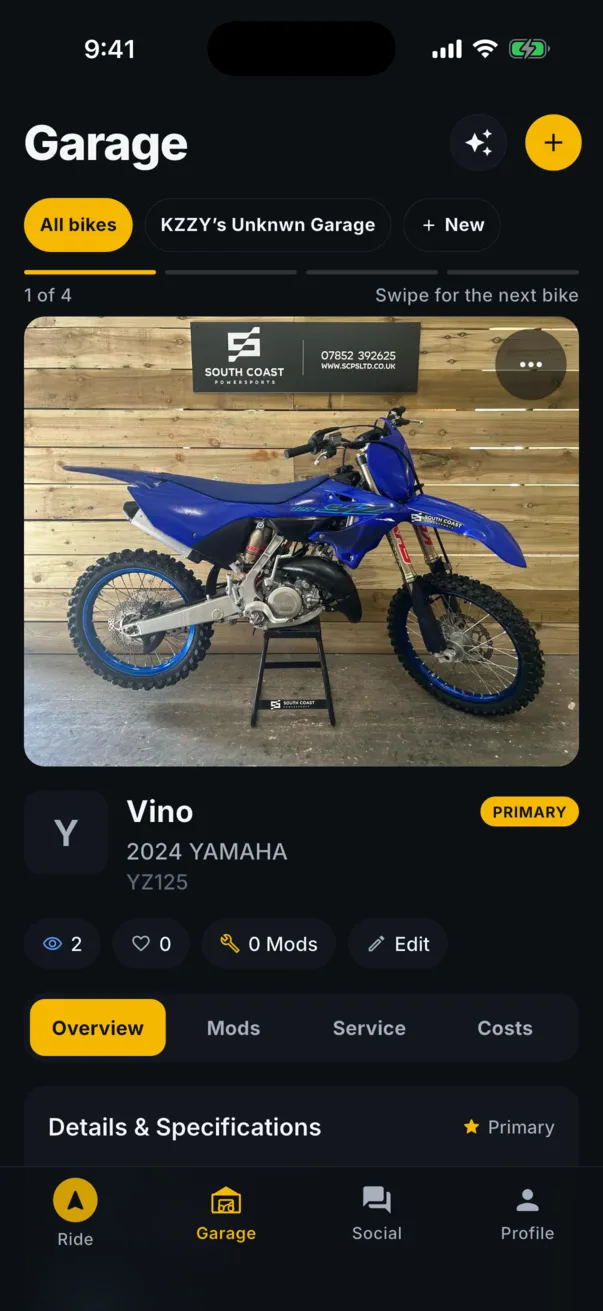
One swipe between bikes
The Garage tab opens on your primary bike. Swipe to the next one. A small selector at the top switches between your garages, and a position strip shows where you are. The bike page itself holds the overview, mods, service and costs, so there is nothing to dig for.
Service history that follows the bike
Oil, chain, tires, valves, brake fluid, whatever you log, with the mileage it was done at and when it is due next. Keep the odometer current yourself, or let Pro estimate it from your rides. Open NHTSA recalls for your year, make and model show up on the bike.
Mods and costs
Every part, what it cost and when it went on. The build total is always current because the garage is the source.
From garage to build
Publish the bike as a build in Social. Photos, the parts list and the story, in order. Riders can follow a build as it grows.
Community garages
Browse other riders garages and show off yours. A garage can be shared with the people you ride with.